
Best Trade Show Kiosks and Interactive Display Stations
Trade show kiosks combine digital presentations with branded displays for maximum engagement. Explore monitor mount solutions, interactive stations, and kiosk design strategies.
Why Kiosks Are Essential for Modern Trade Shows
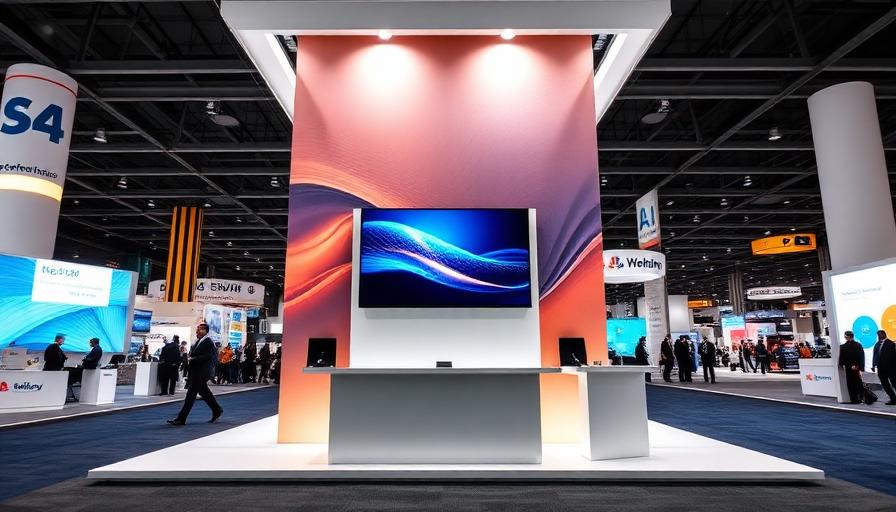
Trade show kiosks transform passive booth visitors into engaged prospects. By combining digital content with branded physical displays, kiosks create interactive experiences that increase dwell time, improve lead capture, and communicate complex product information in seconds. Modern TV stands and monitor mounts make it easy to integrate screens into any trade show booth configuration. Browse all our trade show exhibit systems to find the right kiosk foundation.
Types of Trade Show Kiosks
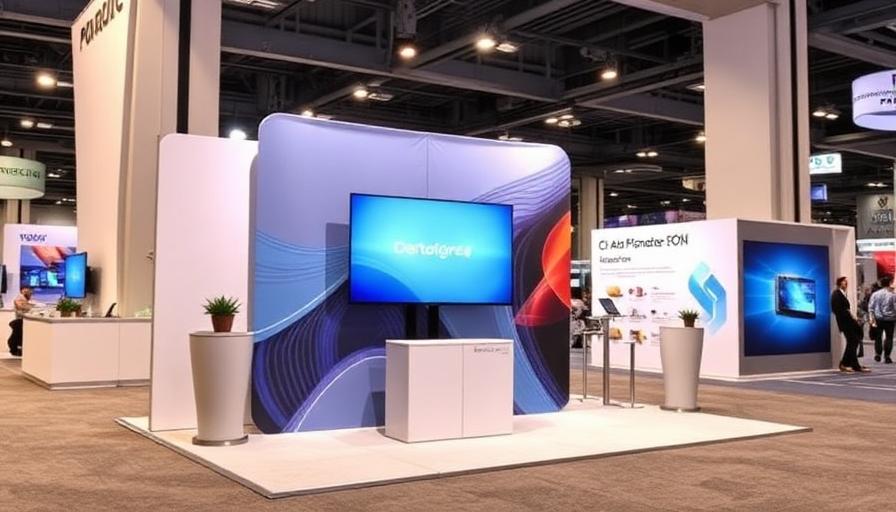
Freestanding kiosks: Independent stations with monitor mounts, branded panels, and counter space. Perfect for island booths or as secondary stations within larger exhibits. Wall-integrated kiosks: Monitors mounted directly onto your display wall using bracket systems compatible with modular and tension fabric displays. Tabletop kiosks: Compact tablet or small monitor setups that sit on counter surfaces, ideal for product demos and lead capture at smaller booth spaces.
Choosing the Right Monitor Mount
Select a TV stand or monitor mount based on your screen size (32-65 inches), mounting style (freestanding, wall-mount, or counter-mount), and portability needs. Freestanding TV stands with branded graphic panels create self-contained kiosk stations. Wall-mounted brackets integrate cleanly with modular exhibition stands. Adjustable-height mounts ensure screens are positioned at the optimal viewing angle for standing visitors (center of screen at 55-60 inches).
Content Strategies for Kiosk Displays
Run these content types on your kiosk displays: Product demo videos (60-90 seconds each, looping). Customer testimonial compilations. Interactive product catalogs with touchscreen navigation. Live social media feeds showing event hashtags. Self-service lead capture forms. Presentation slides for scheduled demonstrations. The best kiosk content is self-explanatory — visitors should engage without needing staff assistance.
Lighting and Design for Kiosks
Enhance your kiosk stations with display lighting to draw visitor attention. LED header lights illuminate the branded graphic panels around your monitor. Backlit kiosk panels create a premium, high-tech aesthetic. Position kiosks where foot traffic is highest — typically at booth corners or the front entrance. Ensure screen brightness is set high enough to overcome ambient venue lighting.
Interactive Engagement Ideas
Turn passive viewing into active engagement: Add a touchscreen for self-guided product exploration. Set up a 'spin to win' game that captures lead information. Create a photo kiosk with branded overlays for social sharing. Install a product configurator that lets visitors build custom solutions. Include QR codes on kiosk panels that link to additional resources. For more engagement ideas, see trade show display ideas.
Portable Kiosk Solutions
Portable kiosk stations pack down for easy transport. Collapsible TV stands fold into included carrying cases. Graphic panels roll or fold flat. The entire kiosk — monitor, stand, graphics, and accessories — can ship in 1-2 cases. This portability means you can deploy kiosk stations at every event without the expense of dedicated freight. For more on portable display solutions, explore Smart Fit multi-panel displays. See all kiosk-compatible systems on the ExhibitBossPro homepage.
Related Trade Show Display Products
FAQ
Need Help Choosing a Display?
Our exhibit designers will help you find the perfect trade show display system.