
How to Install Trade Show Flooring: Step-by-Step Guide
Learn how to install trade show flooring like a pro. This step-by-step guide covers measuring your booth, surface preparation, laying interlocking tiles, carpet, and vinyl for a perfect professional finish.
Why Proper Installation Matters
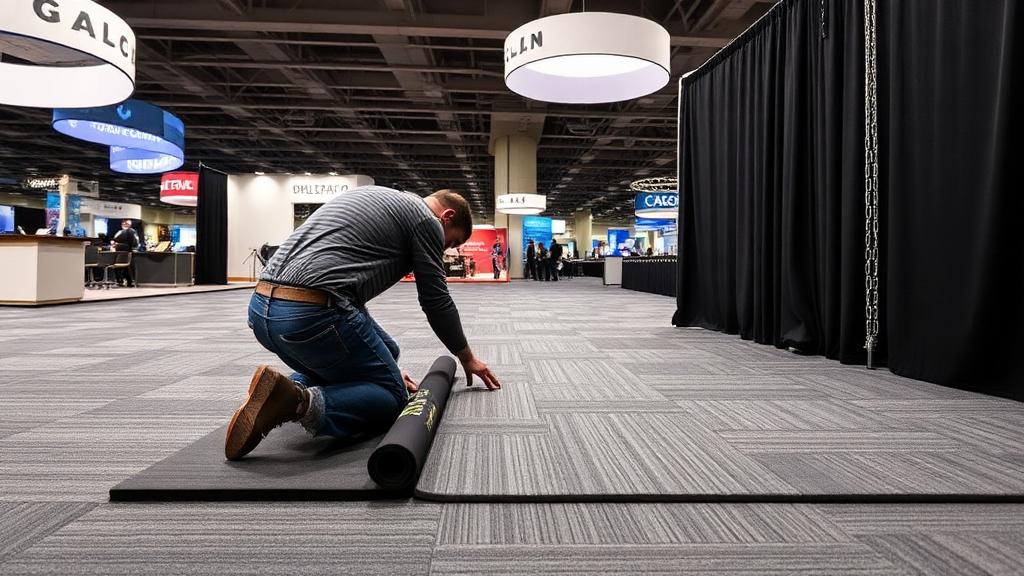
A professionally installed floor sets the tone for your entire trade show booth. Uneven edges, visible gaps, and loose tiles make even expensive trade show displays look amateur. Proper installation ensures safety (no tripping hazards), aesthetics (clean, seamless appearance), and durability (flooring stays secure through multi-day shows). The good news: modern display flooring systems are designed for fast, tool-free installation that one person can complete in 15-30 minutes for a standard 10x10 booth.
Step 1: Measure Your Booth Space
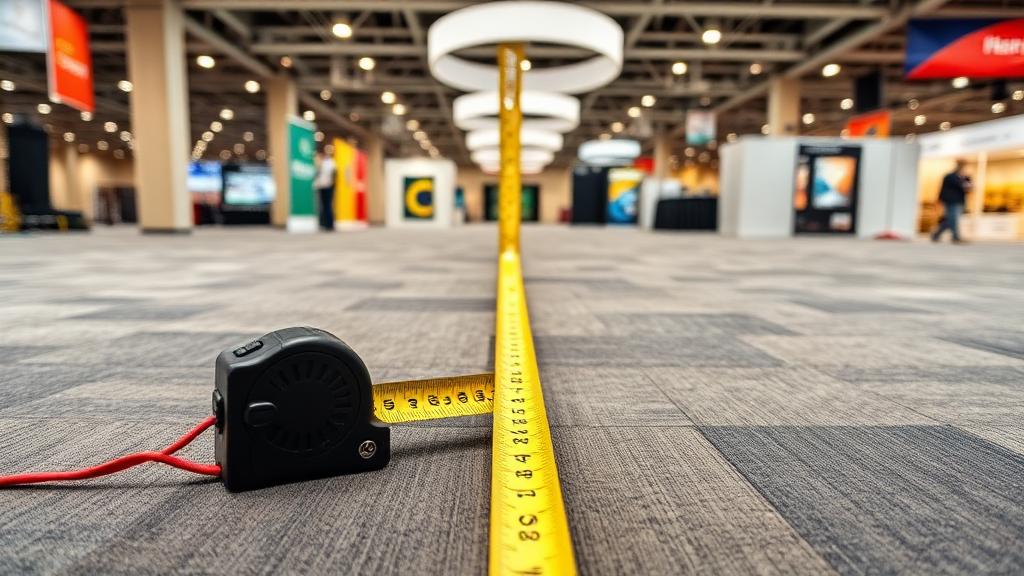
Before the show, confirm your exact booth dimensions with the event organizer. Standard booth sizes are 10x10, 10x20, and 20x20 feet, but actual usable space can vary by a few inches depending on pipe-and-drape placement. Measure length and width, then add 2-4 inches to each dimension for trimming flexibility. For carpet or vinyl, order 5-10% extra material to account for cutting waste. For interlocking tiles, calculate the number of tiles needed (divide booth area by tile area) and round up. Mark your booth boundaries on the convention floor with painter's tape before laying flooring.
Step 2: Prepare the Surface
Convention center floors are typically bare concrete — sweep or vacuum your area to remove debris that could create bumps under your flooring. Check for any uneven spots, cables, or floor ports that might interfere with installation. If your booth has electrical connections through the floor, plan your flooring layout around these access points. For carpet installation, consider laying a thin foam underlayment first for extra cushioning and to smooth minor surface imperfections. For custom printed carpet, ensure the concrete is completely dry to prevent moisture damage to printed graphics.
Step 3: Lay Your Flooring
For interlocking tiles: Start in one corner and work outward, pressing tiles together until they click. Most tiles have a male-female edge design that creates seamless connections. Use border strips for clean finished edges. For carpet tiles: Start from the center of your booth and work outward in a grid pattern, pressing tiles firmly together. For roll carpet or vinyl: Unroll from one end, smooth out wrinkles, and secure edges with double-sided tape. For all flooring types, trim excess material with a sharp utility knife for precise edges that align with your booth boundaries.
Step 4: Secure Edges and Transitions
Clean, secure edges are the mark of professional flooring installation. Use beveled edge strips on interlocking tiles to prevent tripping at booth borders. Apply double-sided carpet tape along all carpet edges to prevent curling and ensure a flush transition between your flooring and the convention center floor. For booths with multiple flooring zones, use transition strips to create clean boundaries between different materials. Ensure all edges are firmly secured — loose edges are the #1 cause of trade show floor-related incidents.
Pro Tips for Fast Setup and Teardown
Label your flooring sections before the show — number tiles or mark carpet sections so installation is like assembling a puzzle. Pre-cut any custom shapes at home rather than on-site. Bring a rubber mallet for stubborn interlocking tiles. Pack a utility knife, measuring tape, double-sided tape, and painter's tape in your toolkit. For teardown, reverse the installation order and clean flooring before packing. Store tiles in their original cases or bags and roll carpet with the print side inward. With practice, a 10x10 floor installs in under 15 minutes. Properly maintained display flooring lasts for years of shows. Visit the ExhibitBossPro homepage for our complete flooring lineup.
Related Trade Show Display Products
FAQ
Need Help Choosing a Display?
Our exhibit designers will help you find the perfect trade show display system.